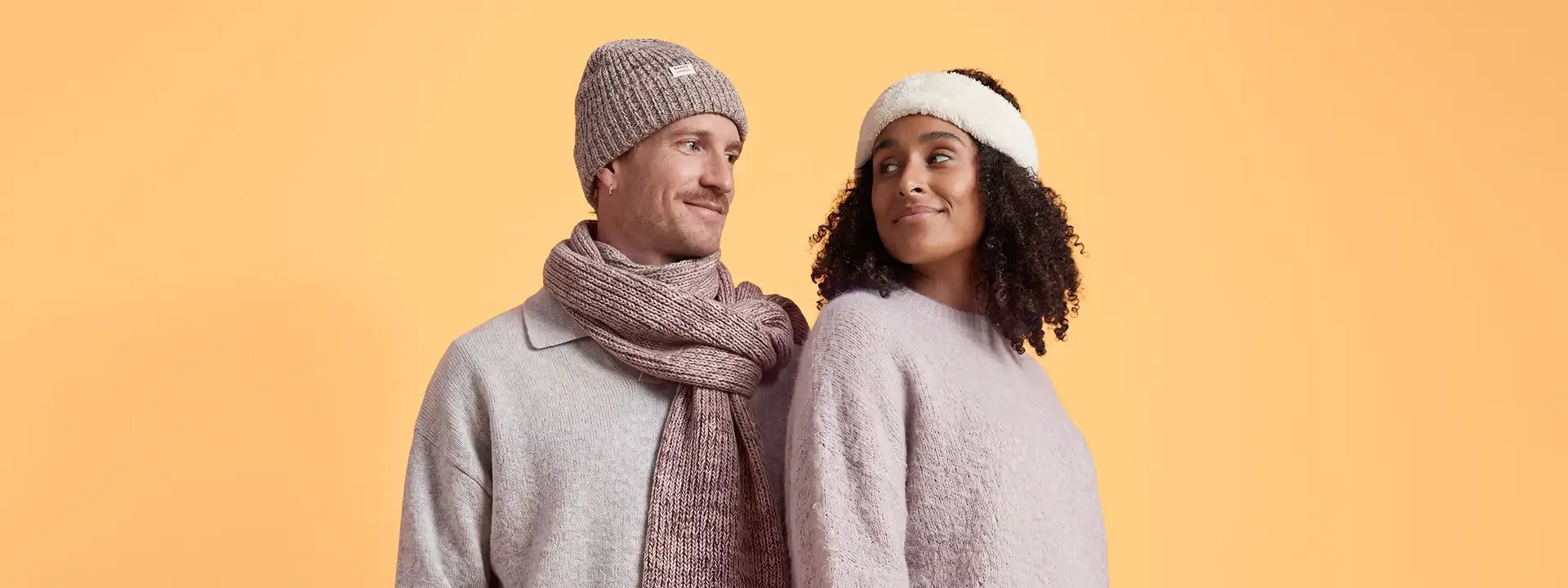
Bol Fashion Campaign
- Client
- bol
- Agency
- studio.bol & Studio Zakmes
- Role
- Creative Technologist
- Year
- 2026
Overview
None of the images you’re about to see were ever shot. No studio, no catering (sadly), and no “one more, chin down.” For bol’s new fashion campaign, Sander from Studio Zakmes and I replaced the photo shoot with a digital system we designed from scratch. Real models got digital twins, which we dressed, posed and placed in bol’s world. The AI does the heavy lifting and the humans make every call. Here’s how we did it.
A new approach
Before the how, the why. Photography captures a scene; post-production perfects it. So we wondered: what if we started at the end? Sander and I both come with a photography background, so we kept what makes a shoot work, specialists at every step, and rebuilt everything else around it.
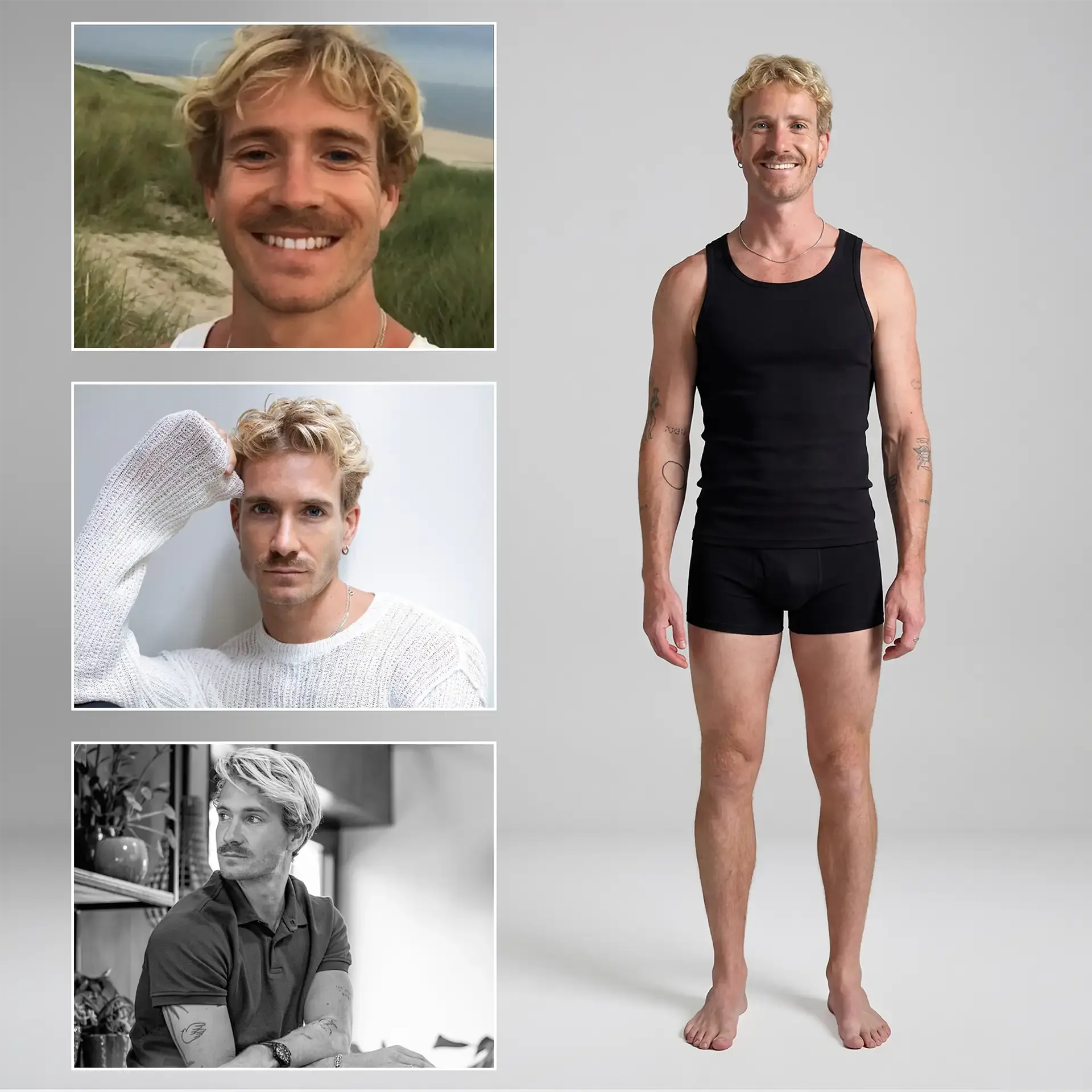
Building the model
It all starts with real people. Every model consented to being digitised, and their rights were bought out. From there, we built identity-consistent digital twins, so every model looks like themselves in every shot. The secret ingredient is boring on purpose: standardisation. Every model’s reference material was shot differently, so we standardised each step to leave the AI as little guesswork as possible.
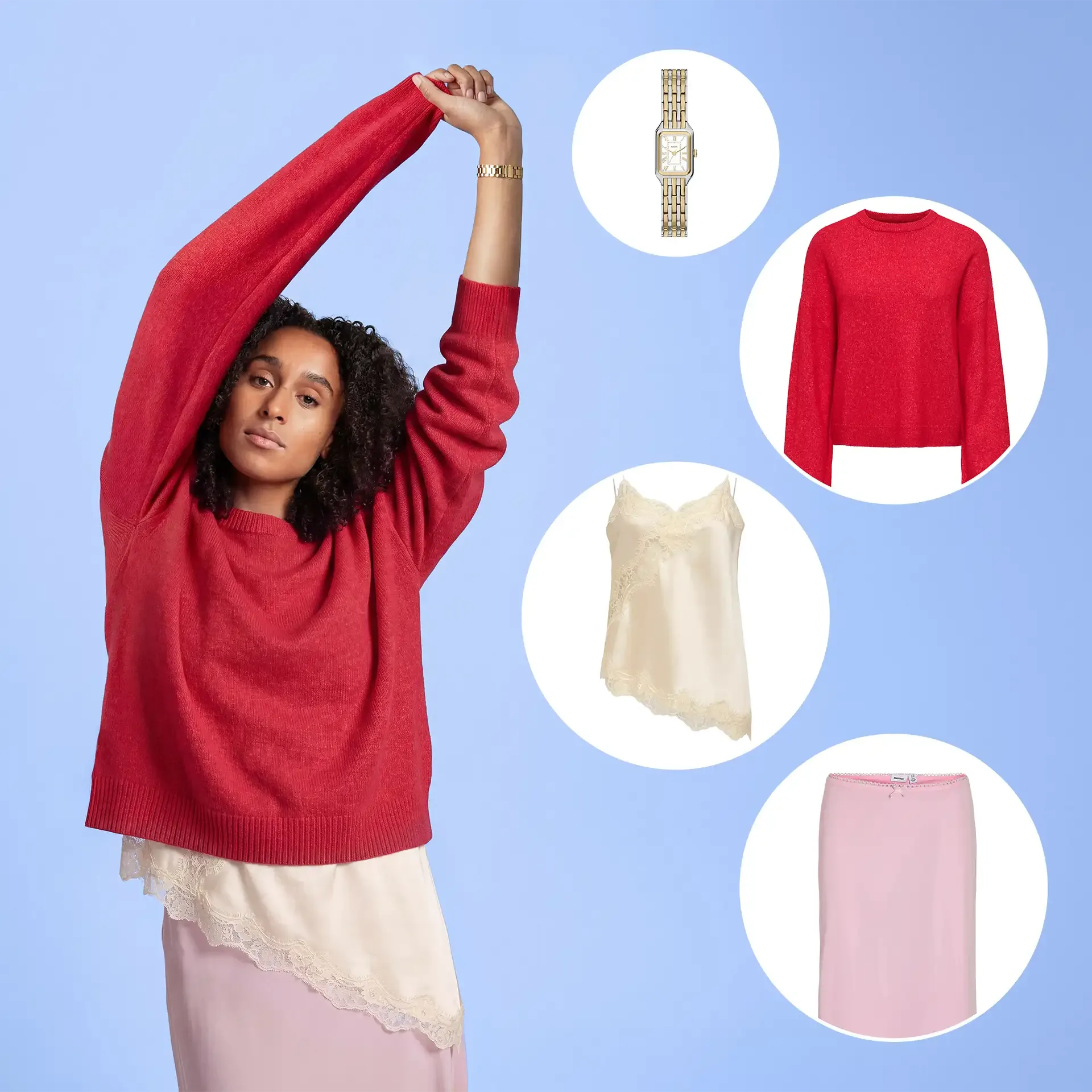
Dressing the model
Fashion only sells when the clothes are right. Fit, fabric, the way a hem falls: everything had to match what’s actually in bol’s shop. Each garment goes onto a digital mannequin first and gets checked against the real product. Once that’s locked, dressing a digital twin in a full outfit is the (relatively) easy part.
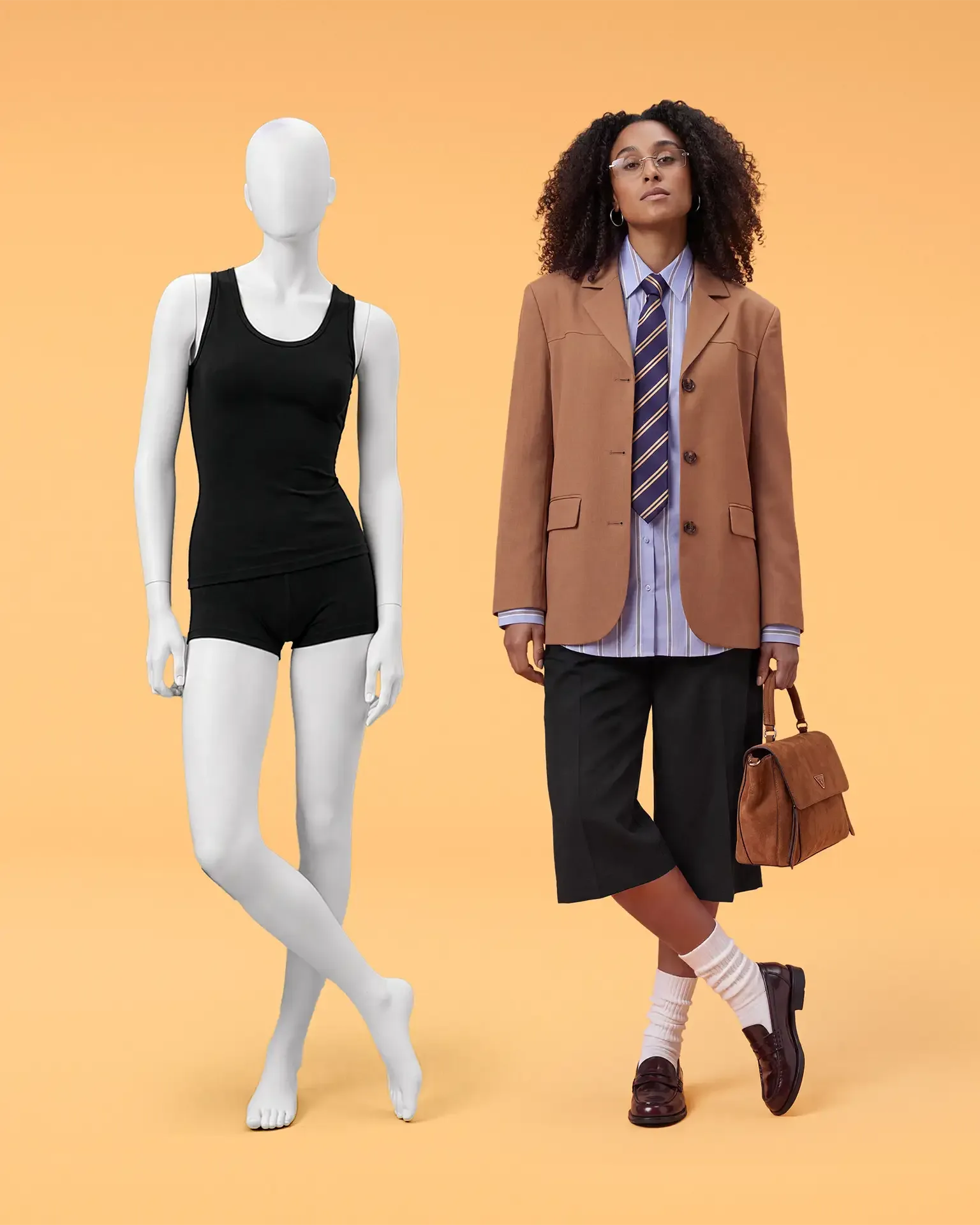
Placing the model
Placement runs as a multi-pass generation: light, shadow and lens matched shot to shot. Every image is then finished with AI-assisted retouching. Generation gets you most of the way. Craft handles the last stretch, the part people actually notice.
Midposing
AI can do a lot. Natural poses aren’t on the list (yet). So we built a custom posing tool and became our own models: we struck the poses, captured our movement and fed it into the system via ControlNet. We call it midposing. Yes, we made that word up.
Expressions
We captured facial expressions the same way, giving us a visual reference and giving the diffusion models enough conditioning to understand what’s happening on the face. You can try the expression tool yourself here.
Convincing down to the last stitch
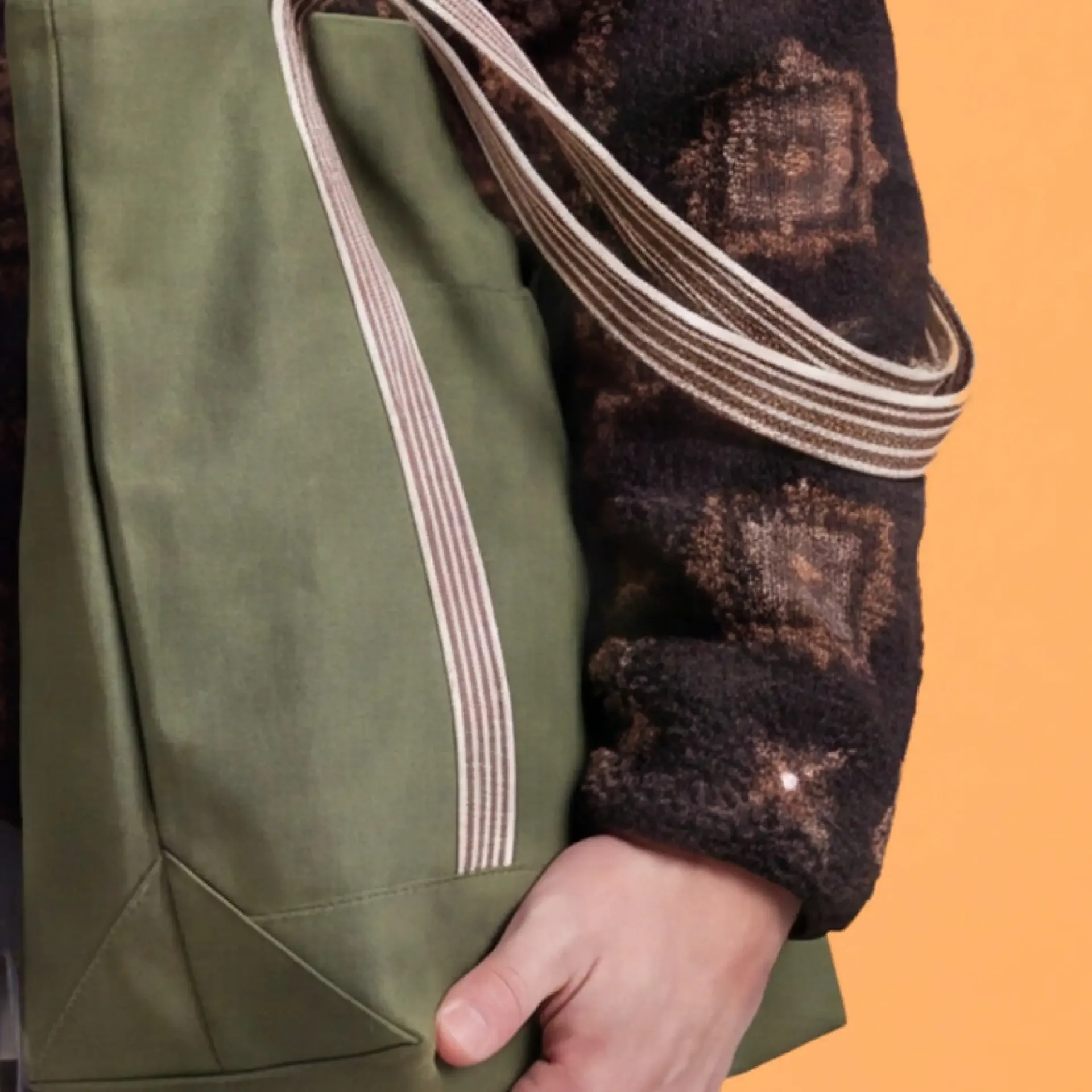
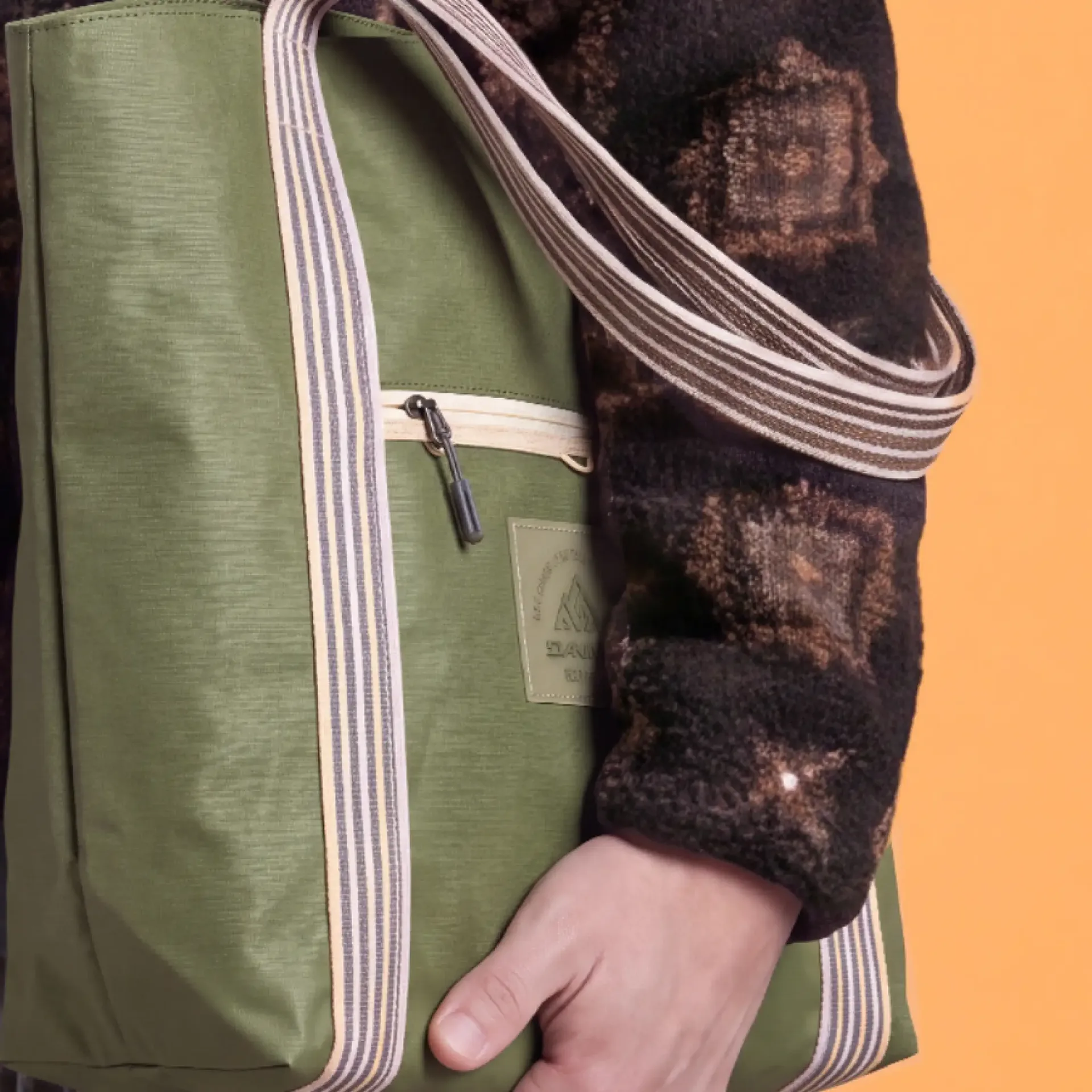
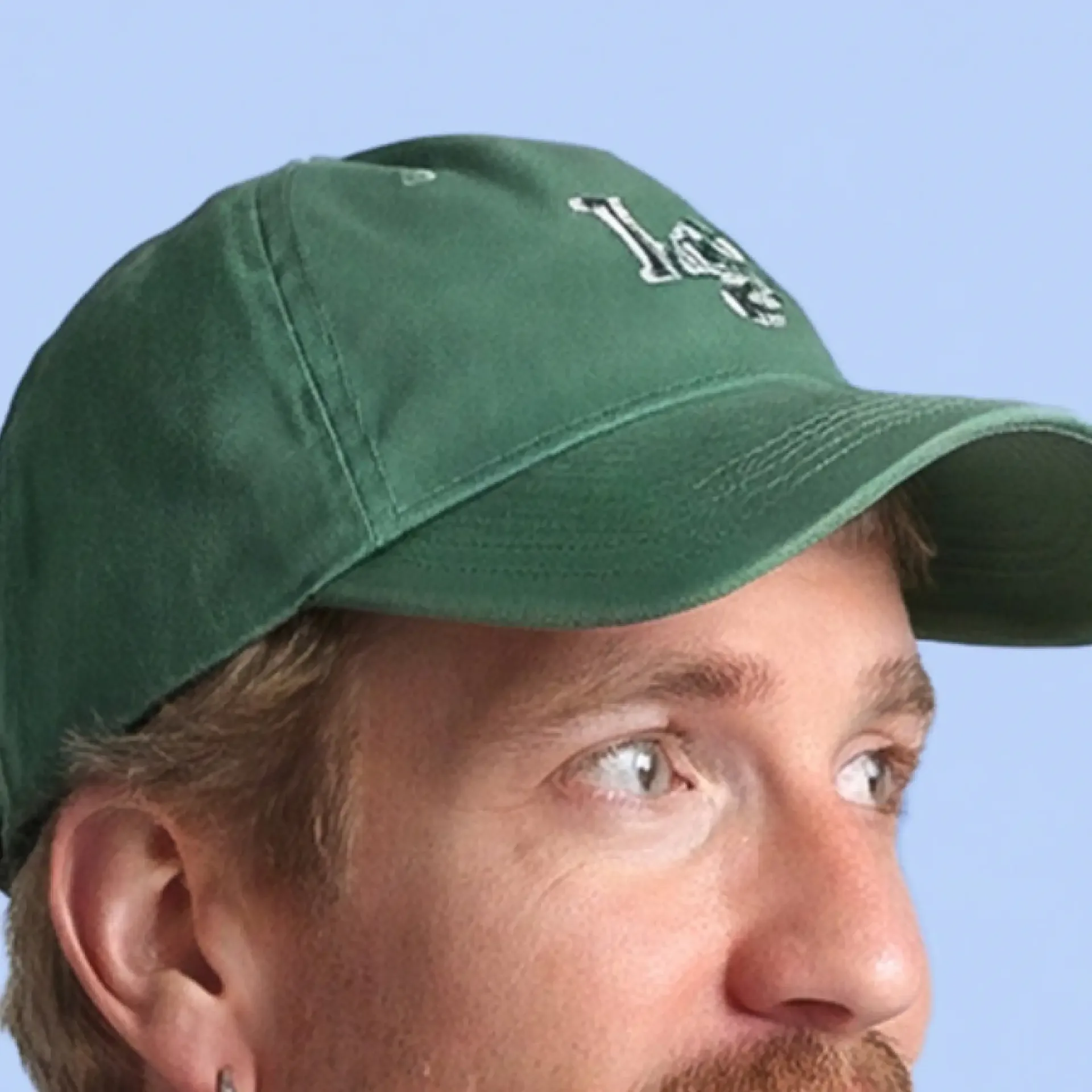
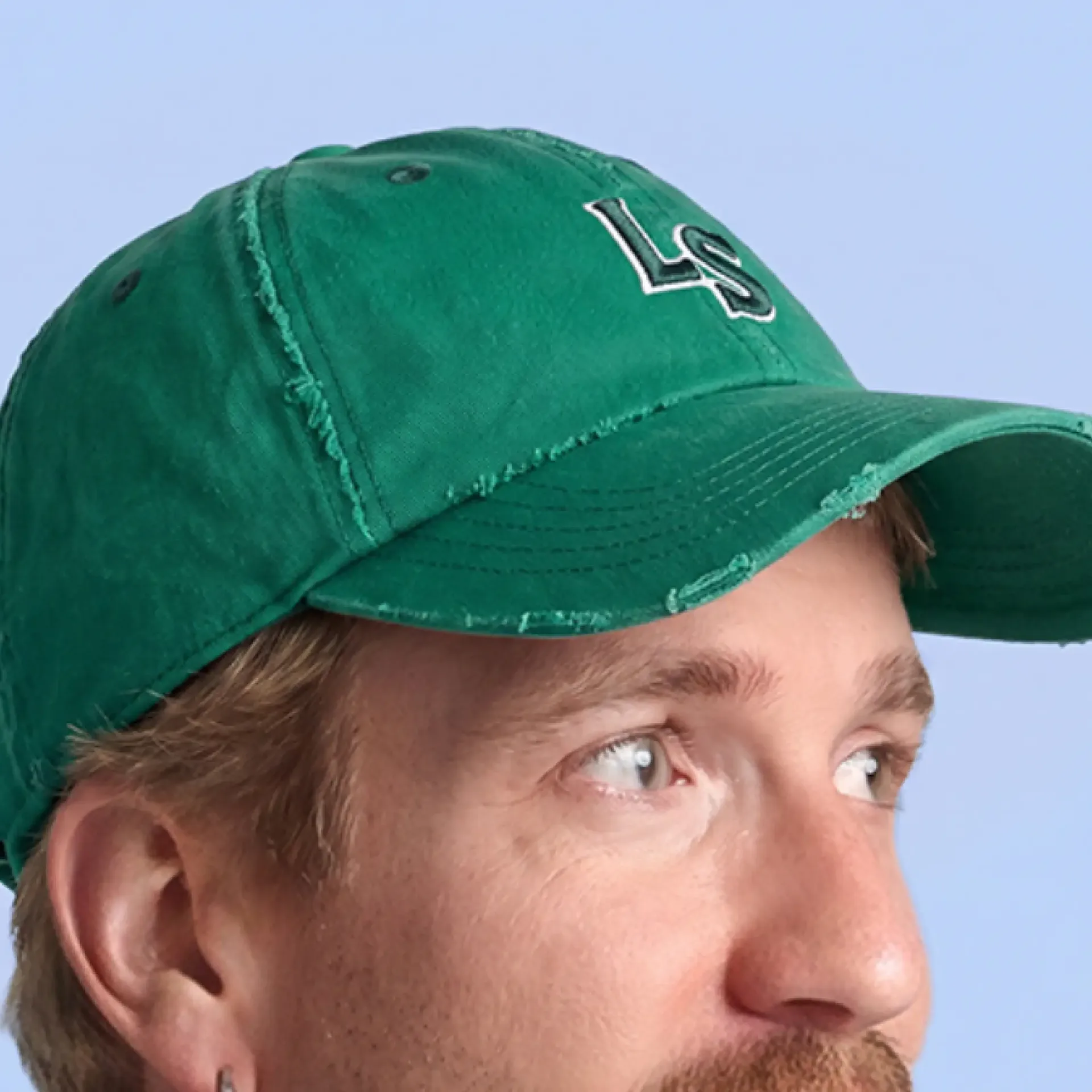
Details sell the product. Using inpainting techniques, we refined the outfits and accessories against the real product data, until the image matched what actually ends up on your doorstep when you order it.
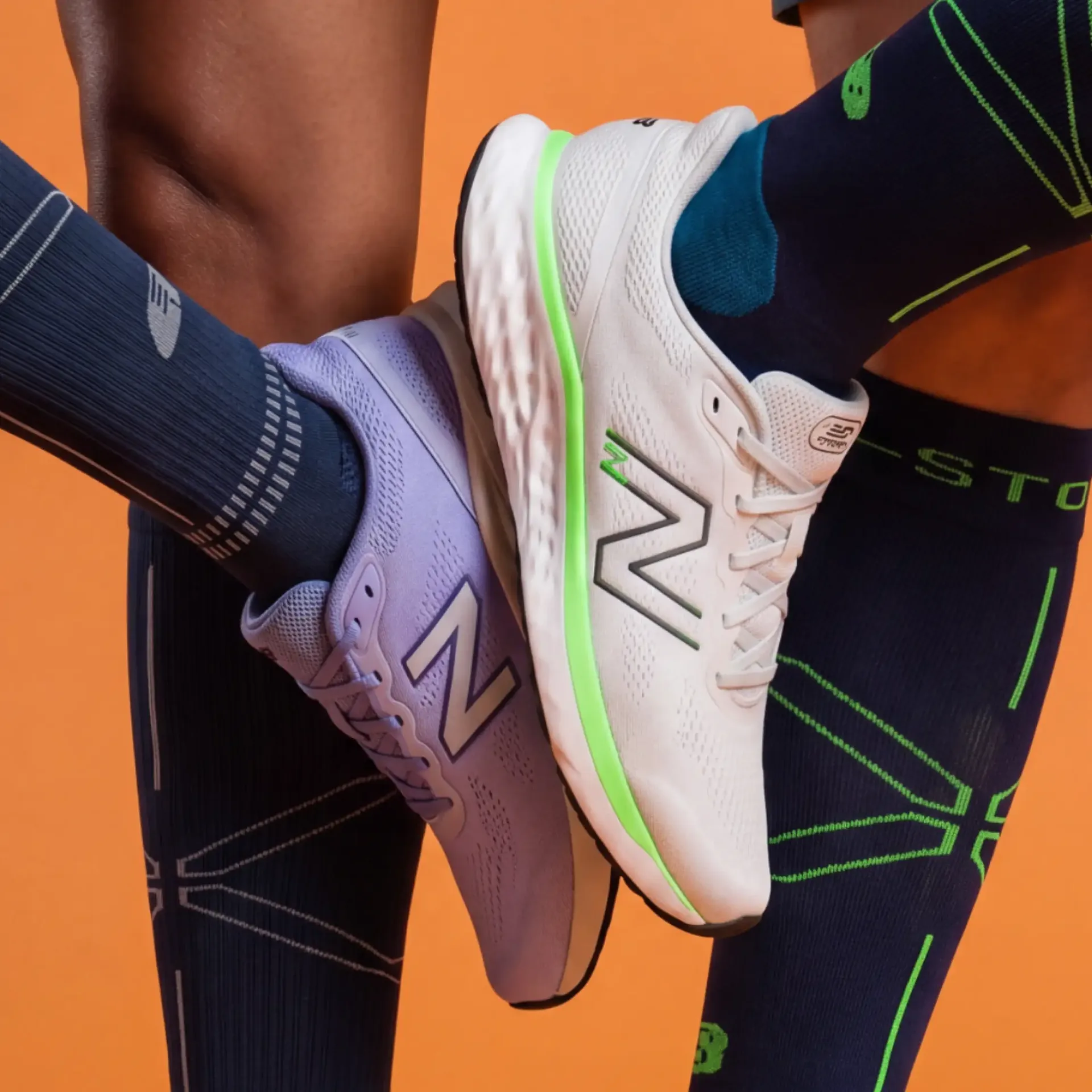
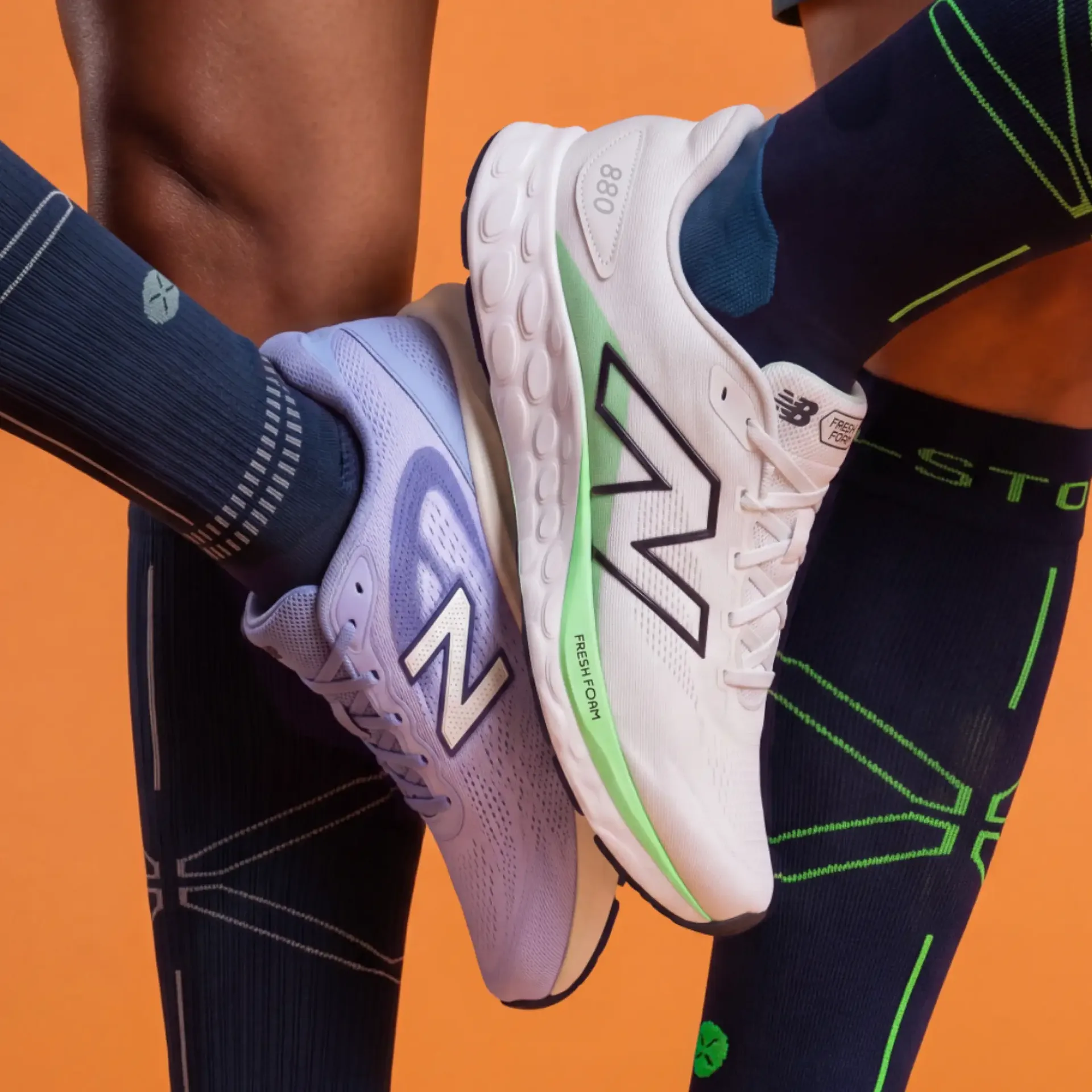
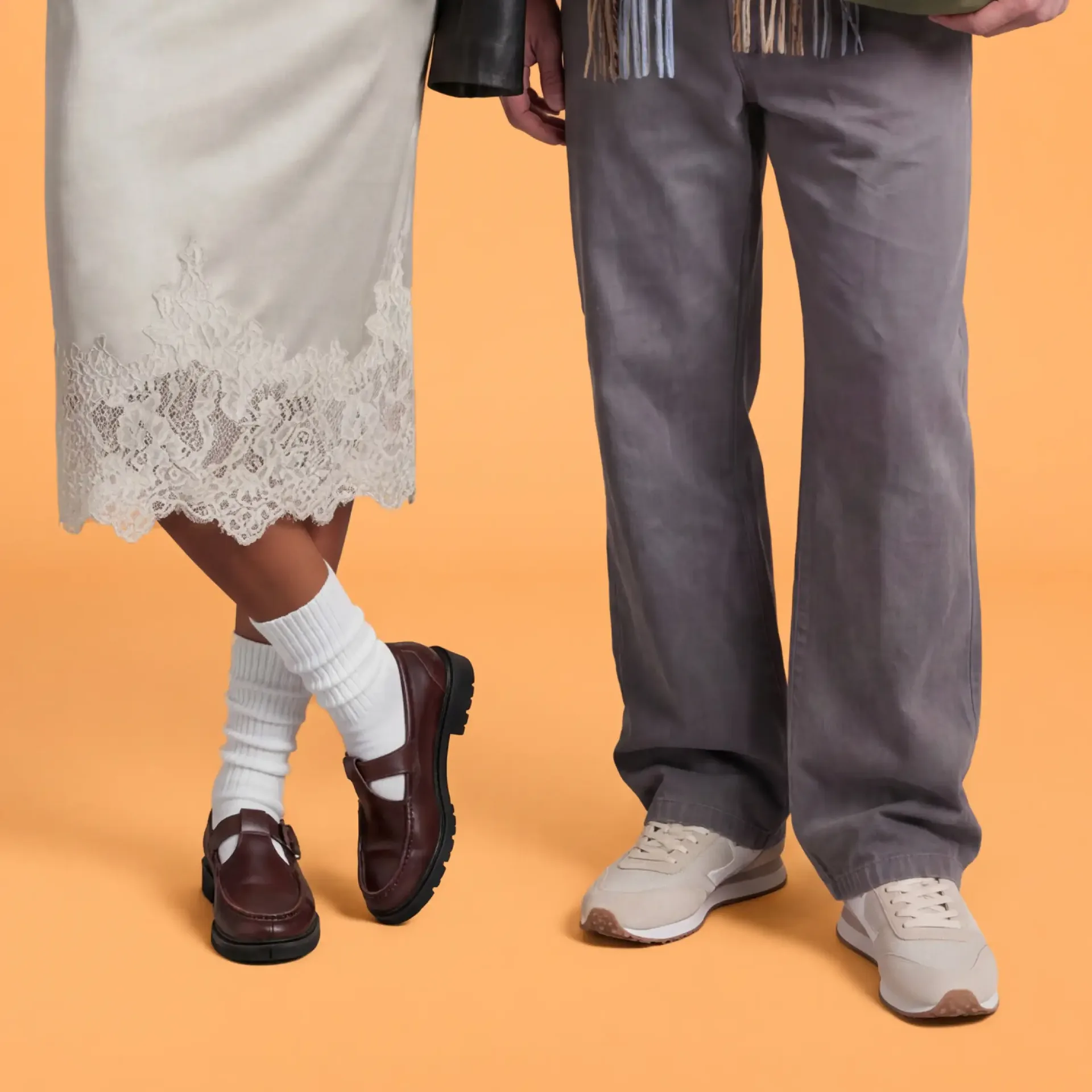
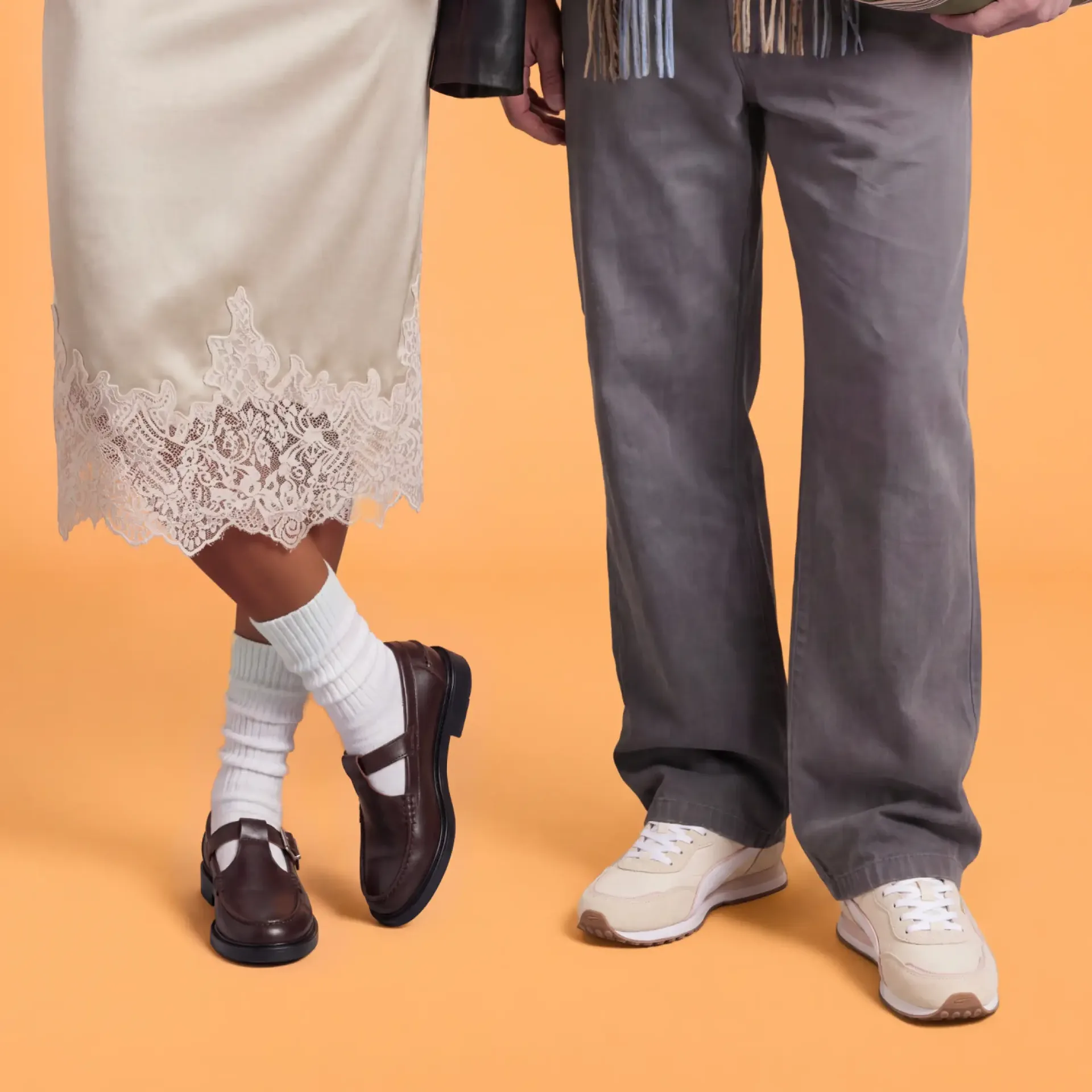
We built a node-based pipeline with human-in-the-loop checkpoints: clear roles, a go at every step and quality you can repeat.